

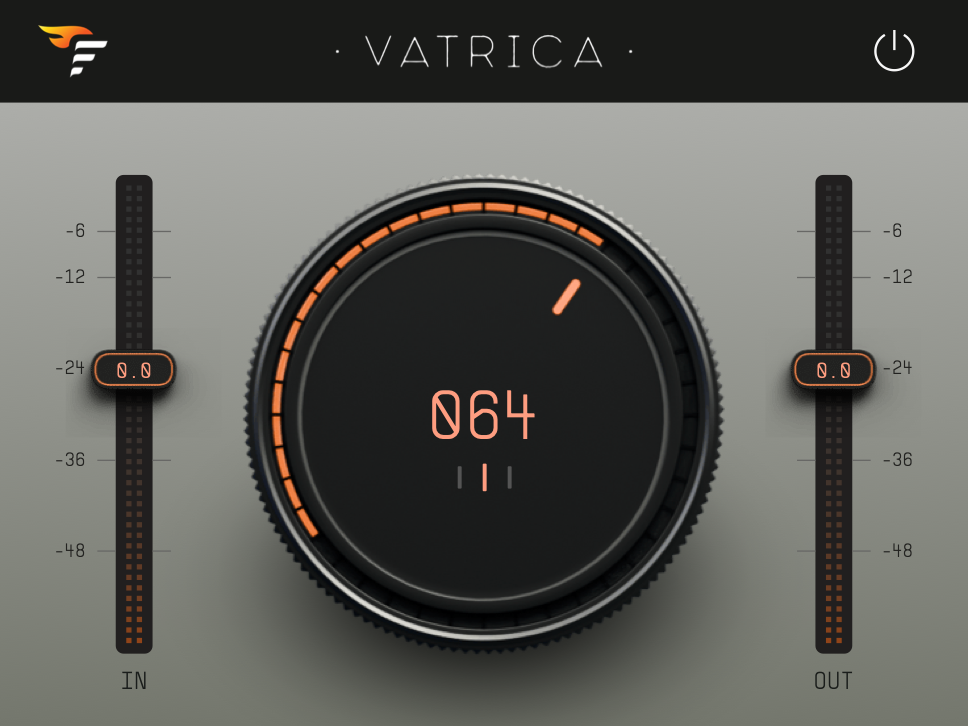
Vatrica is a free one-knob effect built on VATRA's processing engine. It offers three modes to add loudness, warmth, punch, weight, and air to your mix.
VST3, AU & AAX for Mac & Windows
Yes. Vatrica is a free download. There is no trial period, no license key, and no activation. You can download it for free and use it right away.
Vatrica is built on VATRA's processing core. It uses one Macro knob to quickly control the Ignite, Heat, Punch, Weight, and Air engines. VATRA is the next step if you want individual access to the five processing engines.
Vatrica runs as a VST3, AU, and AAX plugin on Mac and Windows. It needs macOS 11 or later, on Intel and Apple Silicon, or Windows 10 or later.
Each mode offers a different blend of VATRA's five controls: Ignite, Heat, Weight, Punch, and Air. You can use the main knob to adjust the intensity.
MSTR
MSTR lets you add the final touch to your busses and full mixes. We set MSTR for a wide range of music styles, so density, warmth, weight, and air are one knob away.
TAPE
TAPE emulates the sound of analog tape. We tuned it for use on drum busses and full mixes, but you can also use it on vocals, synths, and any other signal that needs a bit of tape treatment.
SUBS
SUBS is made for bass, kicks, and synths that lack low end. It boosts and saturates the low frequencies to improve the low end.
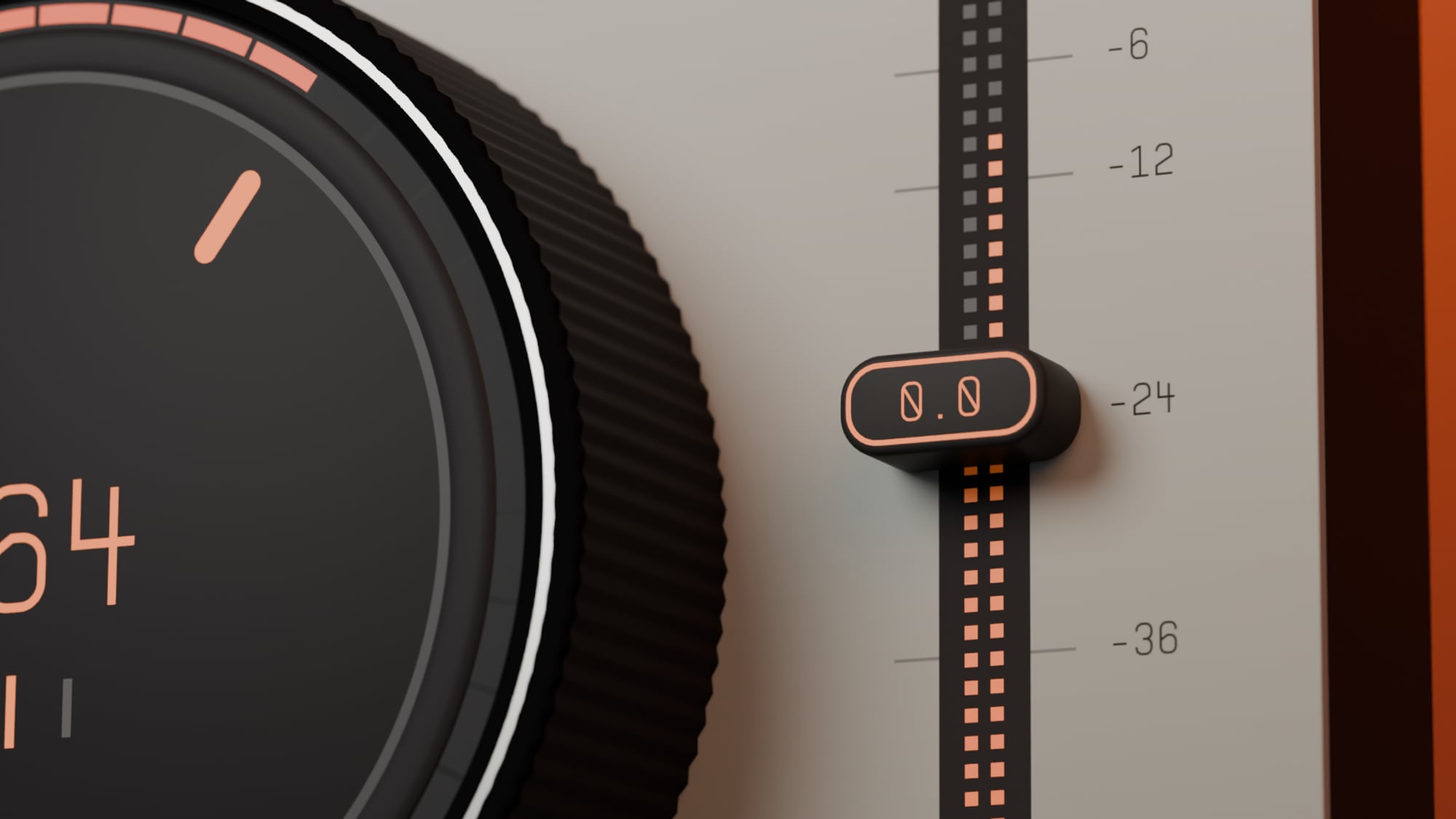
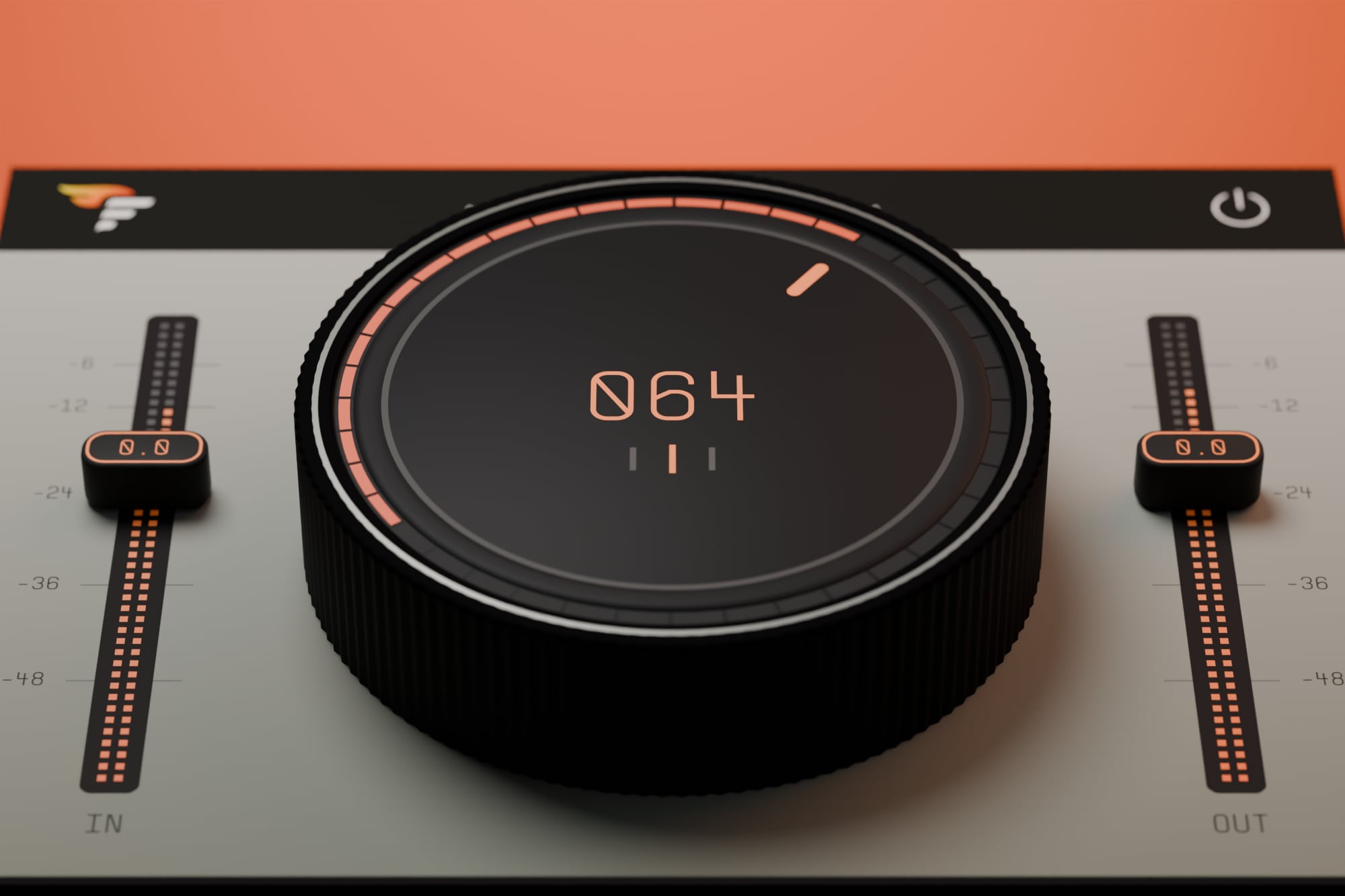
Select one of the three processing modes and rotate the main knob to adjust the intensity.
IN and OUT
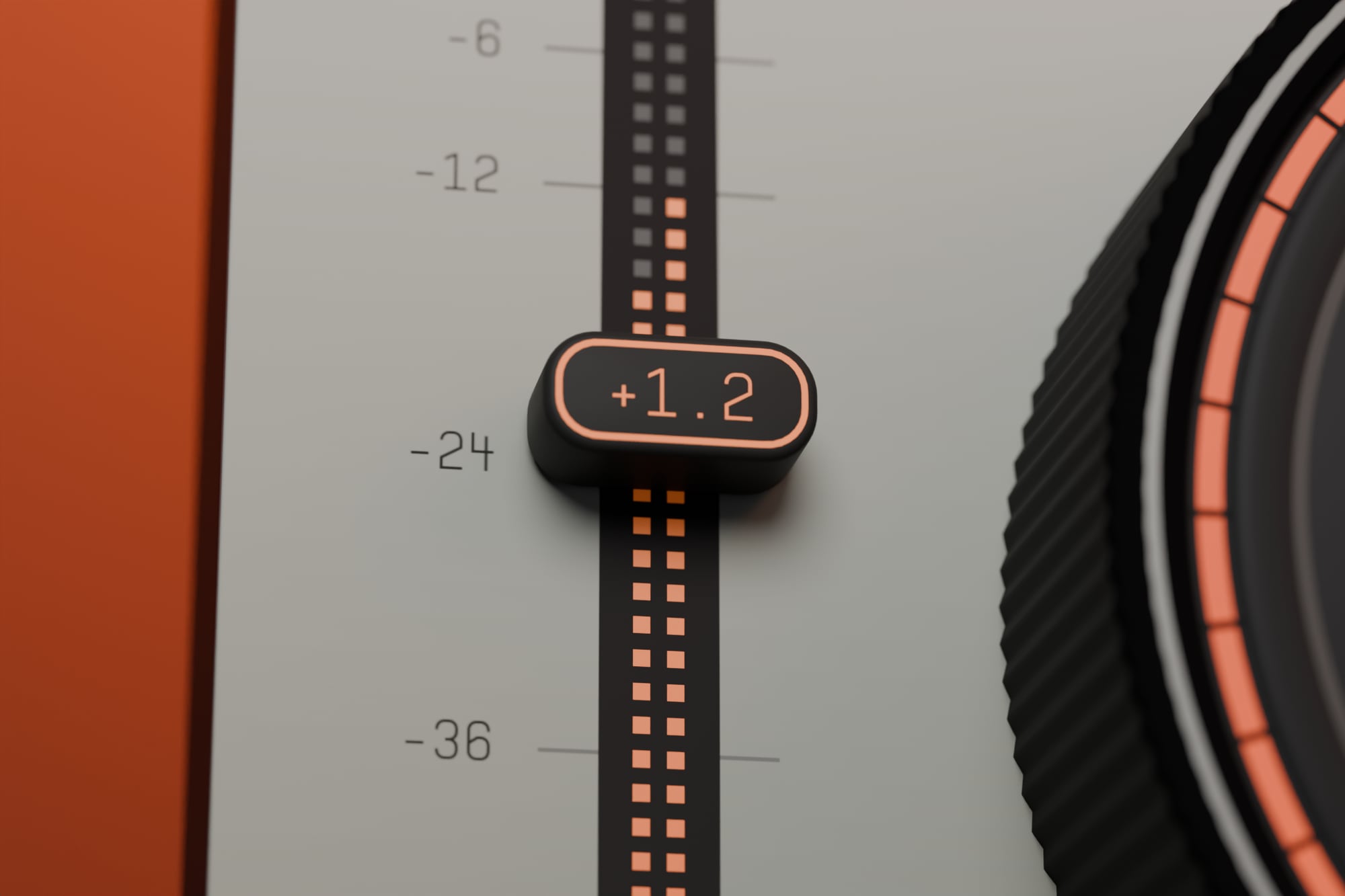
IN sets the input gain and drives the processing: more input means more saturation and density. OUT sets the final level.
Meters
The fader rails also work as stereo peak meters, showing the left and right channels separately. The IN meter shows the signal after the input gain, and the OUT meter shows the final output. With a mono signal, only the left channel moves.
Power button
The power button bypasses the entire processing chain.